TOPKAPI product
Developed by AREAL
- SCADA software and its modules
- Product licences and versions
- Product development and updates
TOPKAPI by AREAL
An industrial supervision platform to collect field data, display process conditions, manage alarms, and review operating history in one system.
About the product
TOPKAPI is SCADA software for industrial supervision, developed and published by AREAL, a software company from France. It is widely used in drinking water and wastewater, as well as in buildings, energy, and infrastructure.
The approach is modular. Core supervision can be extended with modules such as web clients, a mobile app, alarm notification, reporting, and telemetry, so a configuration can start with today's needs and grow in stages. It communicates with field devices through standard protocols and manufacturer drivers, including OPC, and data can be shared with other systems through the available interfaces.
Learn about TOPKAPI on the AREAL website (opens in a new tab)
Developed by AREAL
Project integration and support
Key features
An overview of the TOPKAPI capabilities most used in water and industrial plants.
Collects data from PLCs, RTUs, data loggers, and other compatible sources through supported protocols.
Shows plant conditions on graphical synoptics, so equipment status and process values are easy to read.
Helps operators recognise abnormal conditions, record how they were handled, and forward notifications as configured.
Stores operating data so changes in parameters can be reviewed over time.
Turns data into operating reports and indicators through the relevant modules.
Access through a web client or mobile app, depending on the modules and the network design.
Supports commands and setpoint changes according to user permissions and the system design.
Feature availability depends on the version, modules, licence, and configuration. Not every feature above is part of the base package.
What it looks like
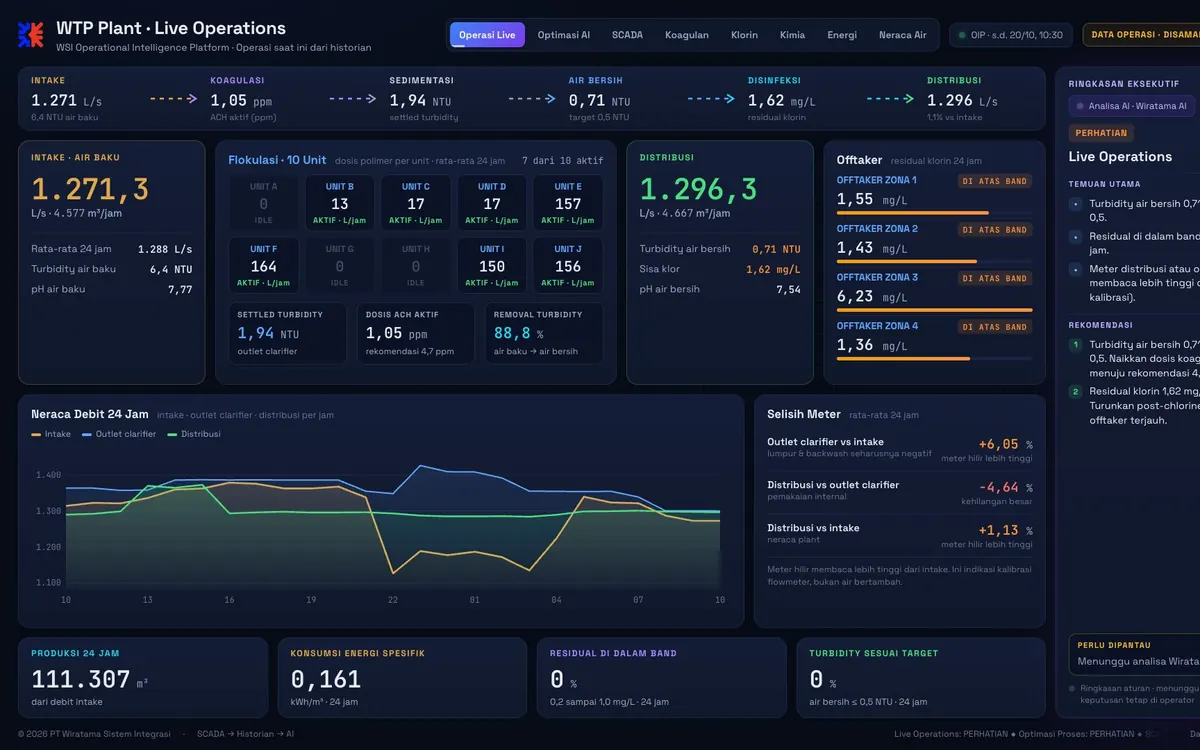
Operators see reservoir level, duty and standby pump status, flow, pressure, and chlorine on one synoptic, together with the alarm list and trends. Tags, setpoints, and screens are built around the process and standards of each plant.
Applications
Typical examples. The scope of each project is set during survey and design.
Monitoring of process, level, flow, and equipment status from intake to reservoir.
Monitoring of reservoirs, pressure, flow, and pump stations spread across several sites.
Process supervision and recording of operating parameters for monitoring and reporting.
Monitoring of equipment and utility parameters such as water, compressed air, and energy.
System architecture
Control stays in the PLC or RTU. TOPKAPI collects data, displays conditions, records history, and manages alarms.
Level, flow, pressure, water quality, equipment status
Local control and data communication
Acquisition, processing, and supervision
Process screens, trends, notifications, reports
Connectivity, protocols, remote access, and integration with other systems are decided during design. Access from outside the operations network goes through suitable security layers and permissions, never by exposing control devices directly to the internet.
WSI support
The WSI team supports TOPKAPI projects at every stage.
Review the process, installed devices, and the information operators need.
Design the system architecture and select the right modules and licences.
Connect field devices and build synoptics, alarms, history, and reports.
Testing with operators, training, and technical support after handover.
FAQ
TOPKAPI is SCADA software from AREAL for collecting field data, displaying process conditions, managing alarms, and storing operating history. WSI helps with design, integration, and support during deployment.
In many cases yes, since TOPKAPI supports standard protocols and drivers from many manufacturers. Compatibility still has to be checked against the brand, model, firmware version, and protocol of your devices.
Web client and mobile app options are available. Both are add-on modules, and access is designed around the network architecture and security policy of the plant.
Licensing depends on the amount of data monitored, the number of users or workstations, the modules required, and the project architecture. The WSI team helps size it once requirements and site conditions are clear.
Contact us on WhatsApp or through the Get a Quote page. Tell us the type of plant, the devices in use, and the data you want to monitor so the first discussion is focused.
Tell the WSI team about your plant, the devices you use, and what you need to monitor.