
Wider equipment choice
Select controllers, sensors, and meters around facility requirements.
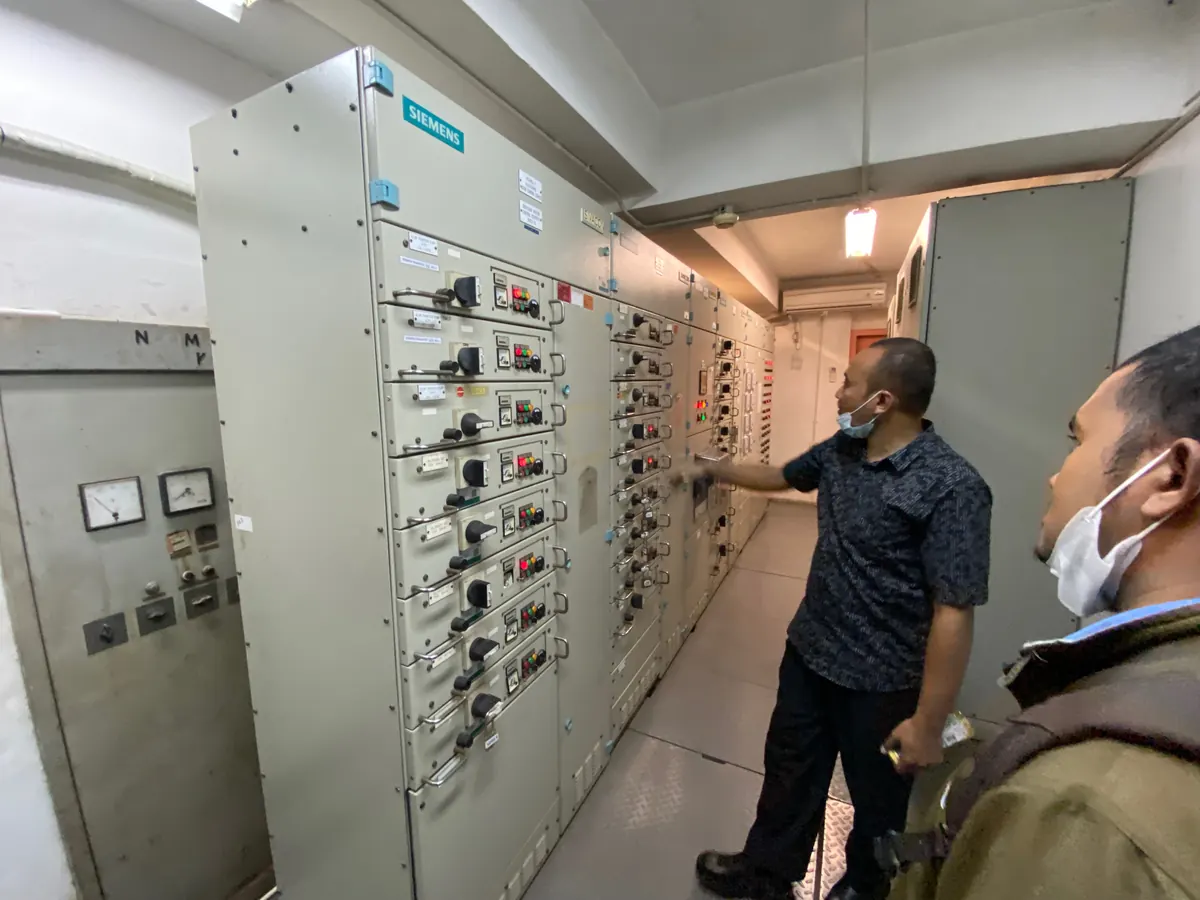
BUILDING & ENERGY INTEGRATION
Connect building systems. Understand energy use. Manage operations with clearer insight.
ONE OPERATIONAL VIEW
Cooling, pumps, electricity meters, and lighting often operate in separate systems. WSI helps design their integration so operators can understand facility conditions and act through a unified supervision platform.
WHY TOPKAPI
TOPKAPI is a candidate for BMS supervision because it is independent of hardware manufacturers and supports multiple communication protocols, including native BACnet. Equipment can be selected around technical needs, budget, and local support.
Select controllers, sensors, and meters around facility requirements.
Bring data together through compatible protocols and interfaces.
Assess existing equipment for integration before replacing it.
Add functions and equipment with a broader choice of suppliers.
Compatibility is checked against the model, version, protocol, and required functions. Open integration reduces dependence on one hardware brand; platform licensing and support still need to be considered.
TOPKAPI ILLUSTRATIONS
Visual examples from AREAL brochures illustrate building supervision and connections across several sites. Application views are configured for each project.

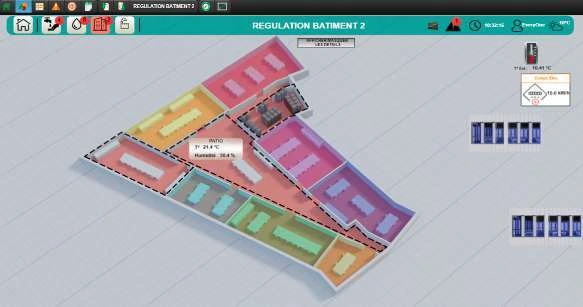
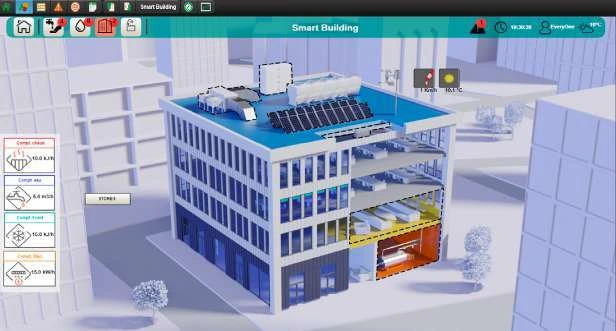
Source: AREAL / TOPKAPI brochures. Product illustrations, not WSI project documentation.
SOLUTION SCOPE
Connect HVAC, pumps, tanks, and electrical distribution through available equipment interfaces.
Review electricity, water, and thermal energy consumption to investigate deviations.
Prioritise alarms and use historical conditions to support inspection and maintenance.
Align operating hours and permitted parameters with facility requirements.
Assess existing systems and add functions based on a site survey.
Design central monitoring with views and access rights matched to user responsibilities.
SOLUTION ARCHITECTURE
Local controllers execute control functions according to the design. TOPKAPI collects and processes data for dashboards, alarms, schedules, and reports.
Sensors · meters · actuators
DDC / PLC · equipment panels
Data · alarms · history · schedules
Dashboards · energy KPIs · reports
Protocols and gateways are selected for the equipment. Safety, lift, and access integration is coordinated with the relevant system suppliers and project requirements.
THE WSI APPROACH
Review installed systems, interfaces, operator concerns, and information needs.
Define architecture, point lists, dashboards, alarms, and performance indicators.
Test communication and user workflows within a limited scope before expansion.
Plan testing, documentation, training, and support with the parties involved.
No. Equipment from different manufacturers can be considered where protocols, interfaces, and required functions are compatible.
The decision follows a survey. Viable controllers and equipment can be assessed for integration.
Efficiency depends on equipment condition, data quality, control strategies, and operator follow-through. Evaluation requires a baseline and measurement.
Tell us about your facility. Work with WSI to map requirements and plan a suitable integration approach.
Final scope and functions are defined after a survey and compatibility testing.